Turn Your Words Into Stunning AI Art & Video
Kanakaw is a fast, easy-to-use AI generator. Describe what you imagine — get high-quality images and short videos in seconds. No design skills required.
Drop your photo here
or · JPG or PNG
Sign in to create
One click with Google — no password needed. New here? Your Google account creates one automatically.
Private by default · No installation · Works on mobile
 SAMPLE VIDEO
Silent preview
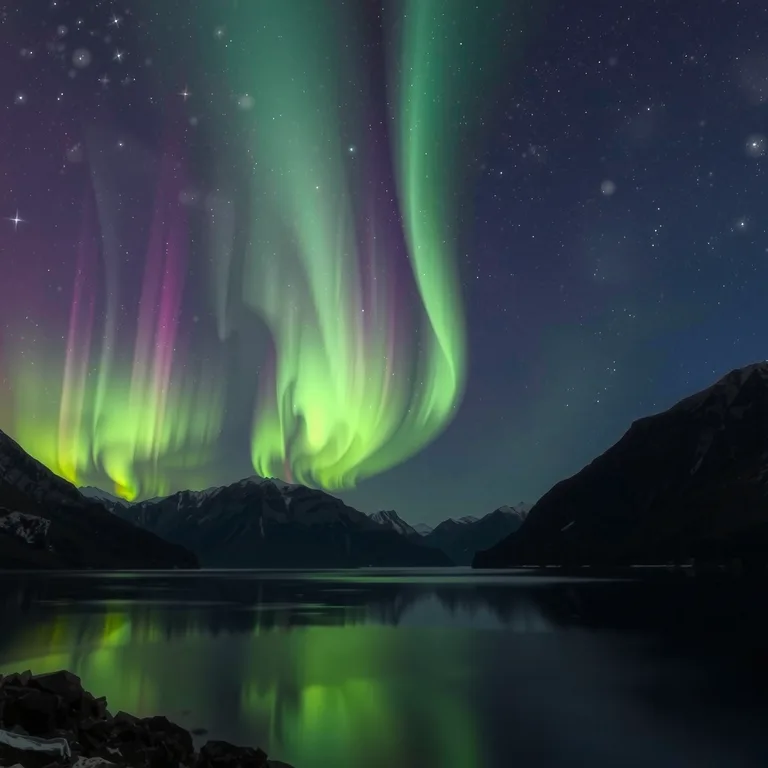
Northern lights dancing over a quiet fjord under a starry sky — made with Wan 2.2 Text to Video.
CreateFrom a Still Photo to a Living Scene
Upload any picture and watch it move. The lake below started as the still photo on the left — one click turned it into the video on the right.
Prompt: “Gentle ripples spread across the lake, mist drifts over the water, clouds move slowly.” Try Image to Video →
Made with Kanakaw
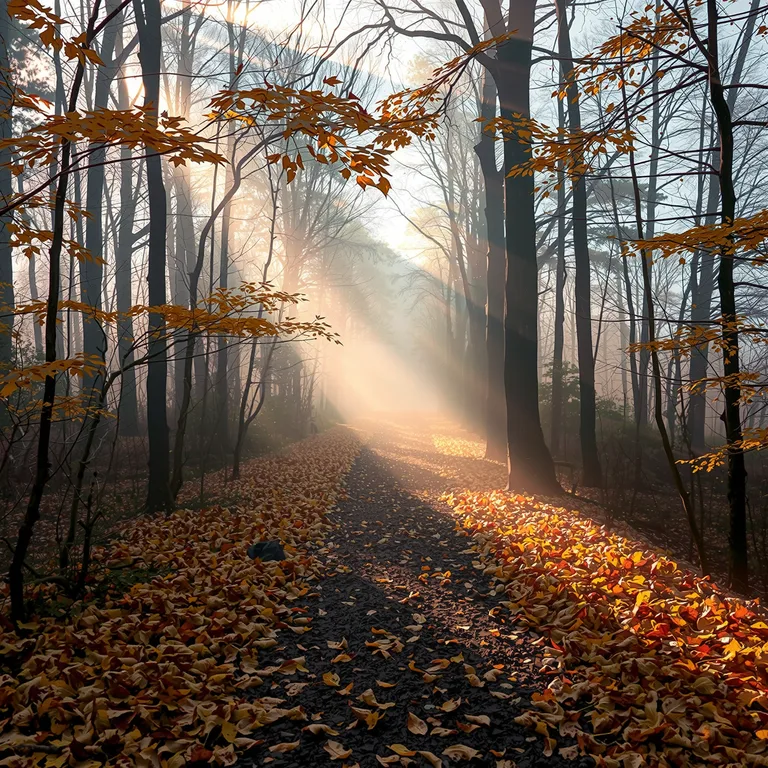
Every image below was generated on this site from a single text prompt — no editing, no stock photos. The prompt behind each image is shown below it.
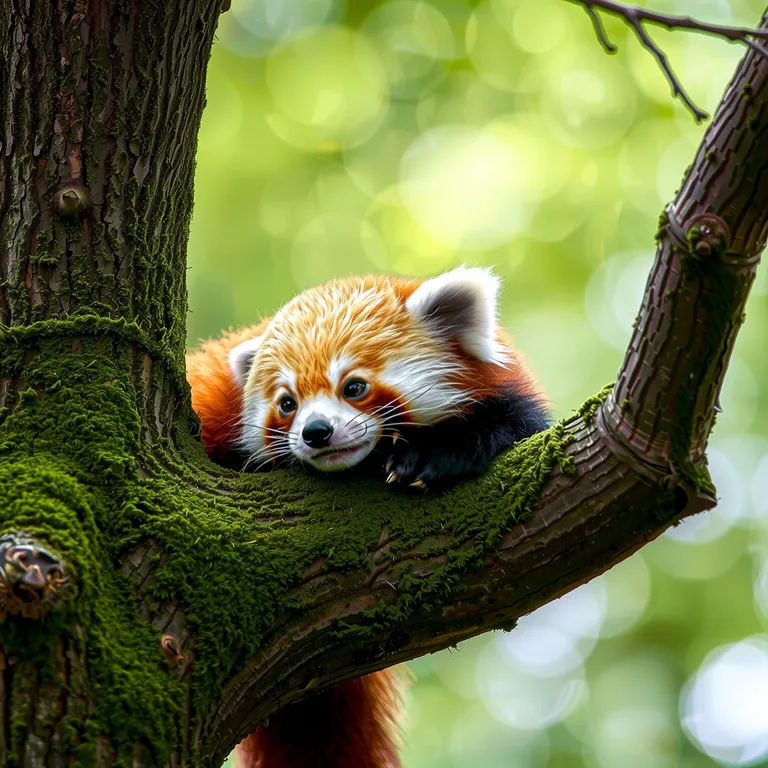
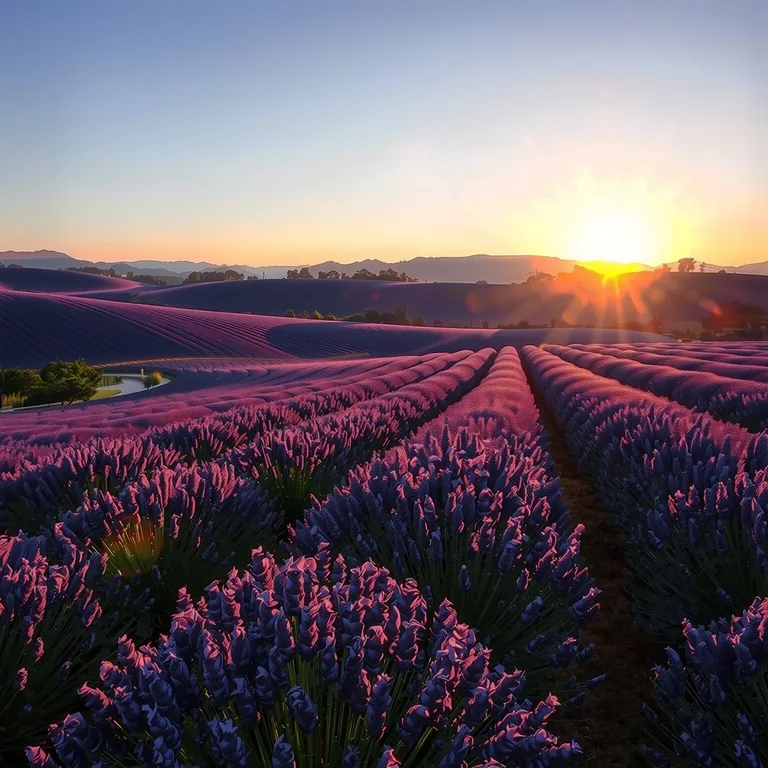
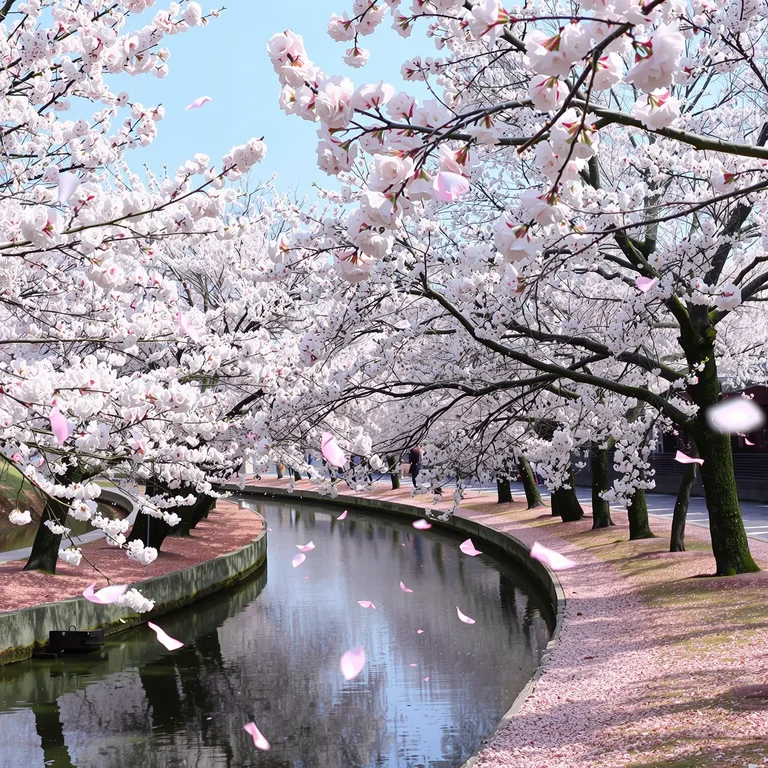
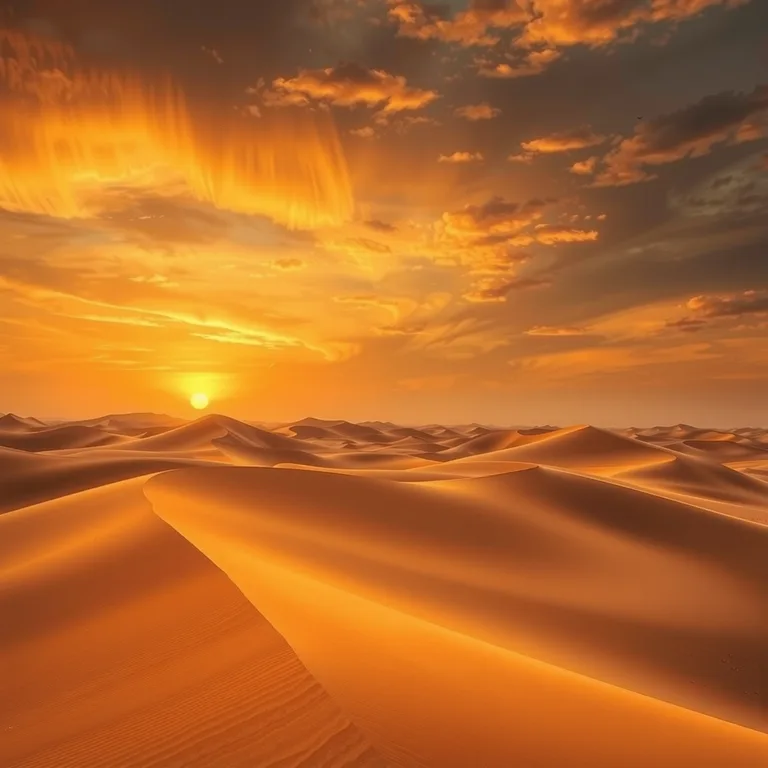
Watch Them Move
Short AI video clips made with Kanakaw — each one started as a single prompt or a single photo.
Text to Video
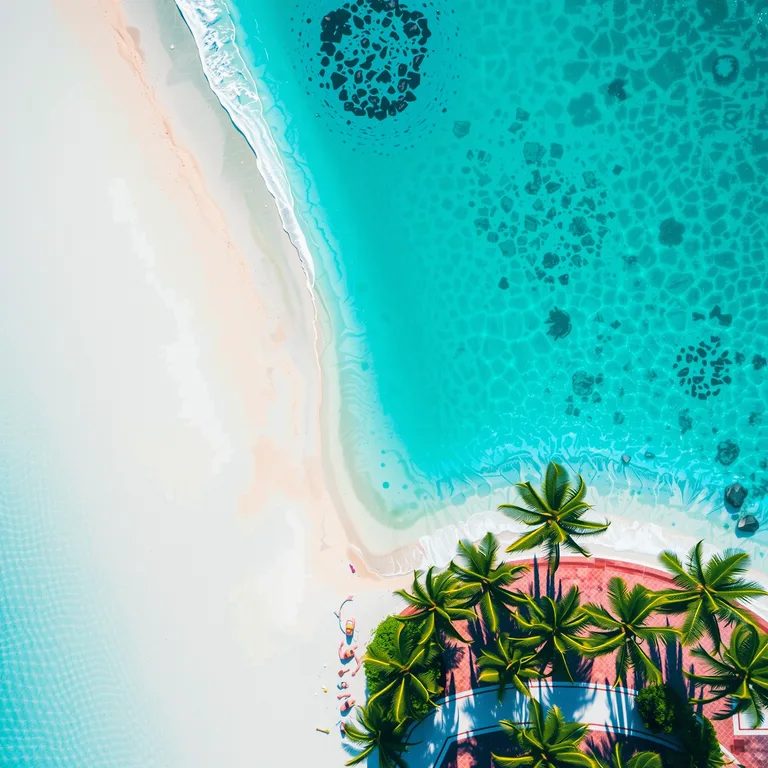
“Aerial view of a turquoise tropical beach…” — no footage, just words.
Try Text to Video →Image to Video
A still cherry-blossom photo, animated: petals fall, the river flows.
Try Image to Video →Made for Social
Five-second clips in landscape or portrait — ready to post anywhere.
Start Creating →Everything You Need to Create with AI
Professional-grade AI models behind a simple interface, powered by dedicated GPU infrastructure.
Text to Image
Type a prompt and generate detailed, high-resolution images with state-of-the-art diffusion models like FLUX. Dedicated GPU workers render most images in seconds, with live progress while you wait.
Try Text to Image →
Text & Image to Video
Bring ideas to life with short AI-generated video clips created from a text prompt or a still image. Animate any picture you've generated with a single click.
Try AI Video →AI Photo Editing
Edit images with plain-language instructions — change backgrounds, adjust styles, refine details. No masks, no layers, just describe the change you want.
Try AI Edit →
AI Image Upscaling
Enlarge and sharpen your images up to 4× with Real-ESRGAN — perfect for print and high-DPI displays. Rescue small or blurry pictures in seconds.
Try Upscaling →
How It Works
From idea to finished artwork in three simple steps.
Describe Your Idea
Write a prompt describing the image or video you want — style, subject, mood, lighting.
Generate
Pick your settings and click Create. Our GPUs render your creation in seconds with live progress.
Download & Use
Download your result in full resolution, upscale it, or iterate with new variations.
One AI Image Generator and AI Video Generator, in the Same Place
Type a prompt, choose your settings, and get a finished image or a short silent video — no software to install, no design skills needed.
Kanakaw is an AI image generator and AI video generator that runs entirely in your browser. You describe what you want in plain words — a subject, a style, a mood, a camera movement — and the generator returns a finished image or a short video clip in seconds. There is nothing to install and no graphics card to rent. Sign in with Google, type a prompt, and click Create.
Everything lives in one studio, under one account and one credit balance. Text to image turns a written description into a still picture. Image to image restyles a photo you already have. Inpainting fixes or replaces part of an image, and upscaling enlarges and sharpens it. Four ready-made templates — Couple Wedding Style, Family Portrait, Pet & Owner Bond and Professional Headshot — restyle your own photo in one click. And when a still image is not enough, the same studio makes video: text to video builds a clip from words alone, and image to video animates a still photo, so a lake can ripple, petals can fall and clouds can drift.
Behind the simple interface are four image engines — FLUX, SDXL, Seedream and Z-Image — and three video engines — Wan 2.2, MiniMax Hailuo and LTX-2 — so the generator is never locked to a single model. For images you choose Standard or Premium; for video you choose the resolution, length and aspect ratio, and the exact cost is always shown before you generate. Prompts can be up to 3,000 characters long, you can ask for 1 to 4 outputs at once, and generation shows live progress while the platform's GPU workers render your result. When it is done, download the finished file in full resolution and use it.
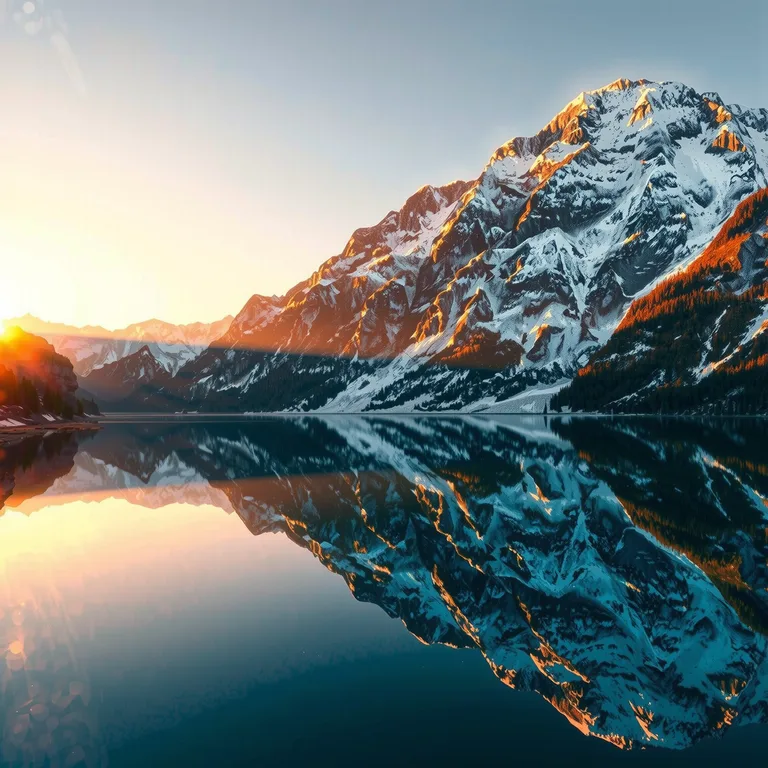
Starting is deliberately low-friction. The studio on this page is already loaded with working examples: an alpine lake at sunrise, northern lights over a fjord, a tropical beach from above. Click any sample and its prompt, model and settings drop straight into the generator, so you can see a result first and then change the words to make it yours. You do not need to learn prompting theory before your first generation — describe the picture in your head, in plain language, and adjust from there.
The point of keeping images and video together is that real projects need both. A creator can generate a hero image for a post, then animate the same image into a five-second clip for the same campaign, without opening a second tool or moving files between services. A marketer can test a still ad creative first — cheap and fast — and only pay for video once the concept is proven. One prompt, one balance, stills and motion side by side.
AI Image Models vs AI Video Models: Which One Do You Need?
Still images are fast and cheap. Video adds movement — and costs more. Here is how the two sides of Kanakaw compare.
| Capability | AI Image Generator | AI Video Generator |
|---|---|---|
| What you get | A finished still image, ready to download and use | A short silent video clip — no audio track |
| Models | FLUX, SDXL, Seedream, Z-Image | Wan 2.2, MiniMax Hailuo, LTX-2 |
| Input | A text prompt — or an existing photo for editing, inpainting and templates | A text prompt, or a still photo to animate |
| Cost per generation | Text to image: Standard 6 credits, Premium 41 credits. Image to image: 49 credits. Inpainting: 21 credits. Upscaling: 61 credits. | Text to video: 476 credits for a 720p, 5-second clip. Image to video: 713 credits for a 720p, 5-second clip. |
| Length and size | Single image; 1 to 4 outputs per run | 5, 10 or 15 seconds; 480p, 720p or 1080p |
| Aspect ratios | 16:9, 9:16, 1:1, 4:3, 3:4, 2:3 | 16:9, 9:16, 1:1, 4:3, 3:4 |
| Sound | Not applicable | Silent — add your own music or voiceover afterwards |
| Membership | Standard image generation is open to signed-in users; Premium is members-only | Members-only |
Choose the AI image generator when the job is a still frame: a thumbnail, a product mock-up, a social post, a blog hero image, concept art or an illustration. At 6 credits for a Standard image, it is the cheapest way to test an idea — generate four variations at once, keep the best, and iterate on the prompt until the composition is right. Six aspect ratios cover the usual placements, including 9:16 portrait for phone screens and 2:3 portrait for posters and covers.
Choose the AI video generator when movement is the point: water that ripples, petals that fall, clouds that drift, a camera that slowly pushes in. A five-second clip is enough for a social post, a product teaser or a story, and 10- and 15-second lengths cover longer cuts. Because every clip is silent, plan the sound separately — add music, a voiceover or captions in your own editor after download. Pick 9:16 for Reels, TikTok and Shorts, or 16:9 for desktop and YouTube, and remember the exact cost is shown before you create, so a video never surprises your balance.
Resolution and length are a trade-off, not a default to ignore. A 480p, 5-second clip is the cheapest way to check whether a video idea works at all — the movement, the framing, the mood. When the draft looks right, step up to 720p for the version you will actually publish, or 1080p when the clip has to hold up on a large screen. Longer clips cost more than short ones, so a 15-second video is a deliberate choice for a scene that needs time to develop, not something to pick by habit. Draft cheap, finish at full quality.
Most projects use both. Generate the still first: it costs little, it tells you whether the prompt, the subject and the framing work, and it gives you a frame you can keep. If the still works, animate it — image to video starts from a picture you already approve of, so the motion builds on a composition you have seen. If you want the model to invent the motion from scratch, text to video starts from words alone. Either way, the image is the cheap draft and the video is the finished piece.
Who Kanakaw Is Built For
From full-time creators to weekend hobbyists — one studio, one credit balance, no subscription.
Content creators. If you publish every day, you need a constant supply of visuals that do not all look the same. Kanakaw generates thumbnails, illustrations and short vertical clips in the formats social feeds want — 9:16 portrait, 5 to 15 seconds, silent and ready for your own music. Generate a batch of images in the morning, animate the best one into a clip, and post both from the same idea.
Marketers. Campaigns need hero images, ad creatives and product mock-ups on short notice, and they need them in consistent quality. Kanakaw lets a marketer test several concepts as still images first — six credits each — and only spend on video once a concept is proven. Subject to the Terms of Service, generated images and videos can be used for commercial projects, so the assets you make can go straight into ads, landing pages and email campaigns.
Small teams. A small business rarely has a designer on staff or a budget for stock libraries and editing software. Kanakaw runs in the browser, needs no installation, and charges per generation instead of per seat, so a team can produce its own visuals — a product shot, a social banner, a short promo clip — without hiring out or buying tools it will barely use. Sign in with Google and the whole team works from the same simple flow.
Hobbyists. Not every image needs to earn money. Kanakaw is also for personal projects: a birthday illustration, a profile picture, a family portrait restyled through a template, a fantasy landscape for a desktop wallpaper. At 6 credits for a Standard image, experimenting is cheap, and the four templates make it easy to get a polished result from a single photo without learning any editing skills.
Why One-Time Credits Instead of a Subscription
Kanakaw sells credits in one-time packs, not a monthly subscription. The packs are $19.99 for 1,000 credits, $59.99 for 5,000 credits, $119.88 for 1,000 credits a month for 12 months, and $359.88 for 5,000 credits a month for 12 months. Every pack is a single payment with no automatic renewal: you buy credits, they land in your balance immediately, and you buy again only when you choose to. There is no free trial on Kanakaw — you pay only for the credits you use, and the cost of each generation is shown before you run it.
That fits how most people actually create. A hobbyist might buy the $19.99 pack and use it for months; it covers about 166 Standard images, or two 720p, 5-second text-to-video clips with change to spare. A busy creator can take a larger pack and work through it at their own pace instead of watching a monthly fee tick away in a quiet week. The annual packs work the same way — one payment up front, then 1,000 or 5,000 credits a month for twelve months — so a regular creator gets a lower effective price without ever signing up for a recurring charge. And because the price of every model is visible up front — 6 credits for a Standard image, 41 for Premium, 49 for an image-to-image edit, 476 for a 720p text-to-video clip — you always know what a generation costs before it starts.
Frequently Asked Questions
How much does Kanakaw cost?
Kanakaw runs on prepaid credits. Sign up, buy a credit pack, and each generation shows its cost before you run it. There is no free trial.
What can I create with Kanakaw?
You can generate images from text prompts, upscale and enhance existing images, edit photos with AI instructions, and create short AI videos from text or images.
Do I own the images and videos I create?
Yes. Subject to our Terms of Service, you may use the content you generate for personal and commercial projects.
Do I need to install anything?
No. Kanakaw runs entirely in your browser on desktop and mobile. Just open the generator, type a prompt and click Generate.
How long are the videos Kanakaw creates?
Short clips of about 5 seconds, made from a text prompt or from a still image. Pick an aspect ratio and length in the generator before you create.
How does pricing work?
Generation is credit-based: each image or video costs a small number of credits depending on the model. Your balance and per-model costs are always shown before you generate.
What is the difference between text to image and image to image?
Text to image starts from words alone: you describe a scene and the generator invents the picture. Image to image starts from a photo you upload and restyles it — the same subject and framing, a different look, light or mood. Text to image costs 6 credits for Standard or 41 for Premium; image to image costs 49 credits and is members-only. Use text to image when you have an idea but no photo, and image to image when you already have a photo worth transforming.
What is the difference between text to video and image to video?
Text to video starts from words: you describe a scene and the generator invents both the picture and the motion. Image to video starts from a photo you upload and animates it — the lake ripples, the hair lifts, the camera drifts. A 720p, 5-second text-to-video clip costs 476 credits; the same clip from a photo costs 713 credits. Use text to video when you have no photo, and image to video when you already have a shot you love. Both make silent clips of 5, 10 or 15 seconds, and both are members-only features.
Do I need a membership to generate videos?
Yes. Video generation — text to video and image to video — is a members-only feature, as is Premium image generation. Membership comes with any credit pack: buy credits once and you are a member for the pack's duration — 30 days with a monthly pack, 12 months with an annual pack. There is no separate membership fee or subscription. Standard text-to-image generation has no membership requirement beyond signing in.
What sizes and lengths can I generate?
Images come in six aspect ratios: 16:9, 9:16, 1:1, 4:3, 3:4 and 2:3. Videos come in 480p, 720p or 1080p, last 5, 10 or 15 seconds, and offer five aspect ratios: 16:9, 9:16, 1:1, 4:3 and 3:4. Pick the format that matches where the result will be used — 9:16 portrait for phones and social feeds, 16:9 landscape for desktop and YouTube.
Is there a subscription to cancel?
No. Kanakaw sells credits in one-time packs — $19.99 for 1,000 credits, $59.99 for 5,000, $119.88 for 1,000 credits a month for 12 months, and $359.88 for 5,000 credits a month for 12 months — with no automatic renewal and nothing to cancel. Buy credits when you need them, use them at your own pace, and buy again only when your balance runs low.
Ready to Create Something Amazing?
Join creators using Kanakaw to produce AI art and video every day.
Start Creating